

Performance filters let you narrow the data shown in the Performance section to only what's relevant to your current question. Instead of scanning all activity at once, you can isolate results by campaign, team member, platform, or date range.
Available Filters
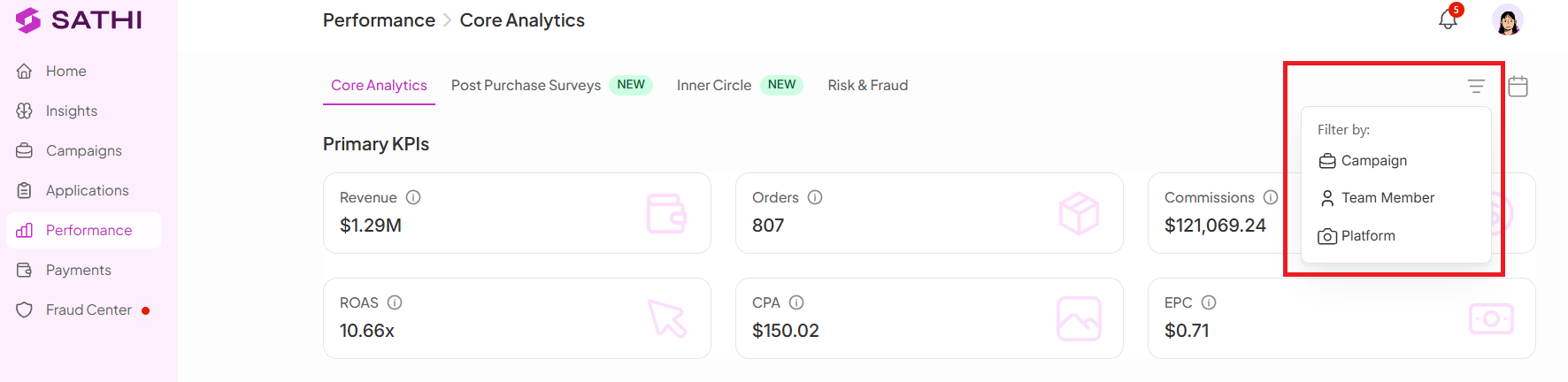
1. Filter by Campaign
View performance for a specific campaign and drill down into its results.
2. Filter by Team Member
Check performance based on which team member is managing or handling the campaign.
3. Filter by Platform
Break down results by channel:
Instagram
TikTok
YouTube
4. Filter by Date
Select a specific time range to track performance over days, weeks, or months.
Why This Is Important
Filters let you find the exact data you need without scrolling through everything, and make it easier to compare performance across campaigns, ambassadors, or platforms. This speeds up decision-making and helps you see what's working, and what isn't, faster.
Still need help?
Reach out anytime to our Support team using the button at the bottom-right corner of your dashboard, or email us at [email protected].