SATHI supports PayPal as a payout method alongside your SATHI Wallet, which is powered by Tremendous. PayPal is especially useful if your brand operates in non-USD currencies, since it lets you pay ambassadors in their local currency and avoid the double conversion fees that come with routing through USD. The two payout methods are fully independent — connecting PayPal has no effect on your SATHI Wallet or Tremendous setup.
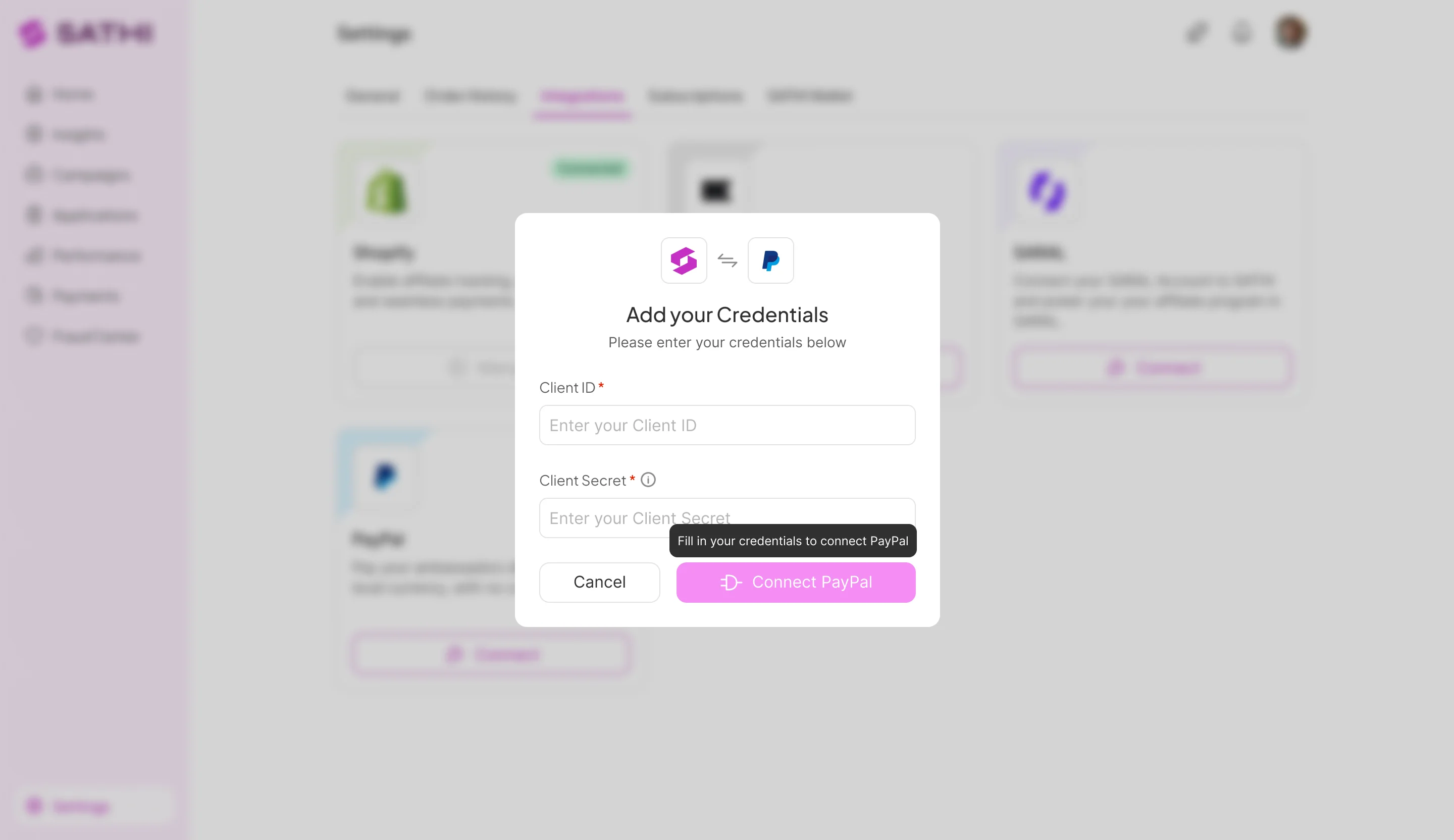
To connect PayPal:
Go to Settings → Integrations in your SATHI dashboard.
Find the PayPal card and click Connect.
Enter your PayPal API credentials:
Client ID — your PayPal app's public identifier.
Client Secret — your PayPal app's private API key, labelled "Client Secret" inside PayPal's developer dashboard.
You can find both credentials in your PayPal Developer Dashboard under your app's credentials.
PayPal requires the Payouts API (previously called Mass Payouts) to be active on your account before you can send payments through SATHI. This is a one-time step that you request directly from PayPal.
To enable it, contact PayPal Support and ask them to activate the Payouts API on your account. Once it's enabled, you're ready to start paying ambassadors through PayPal.

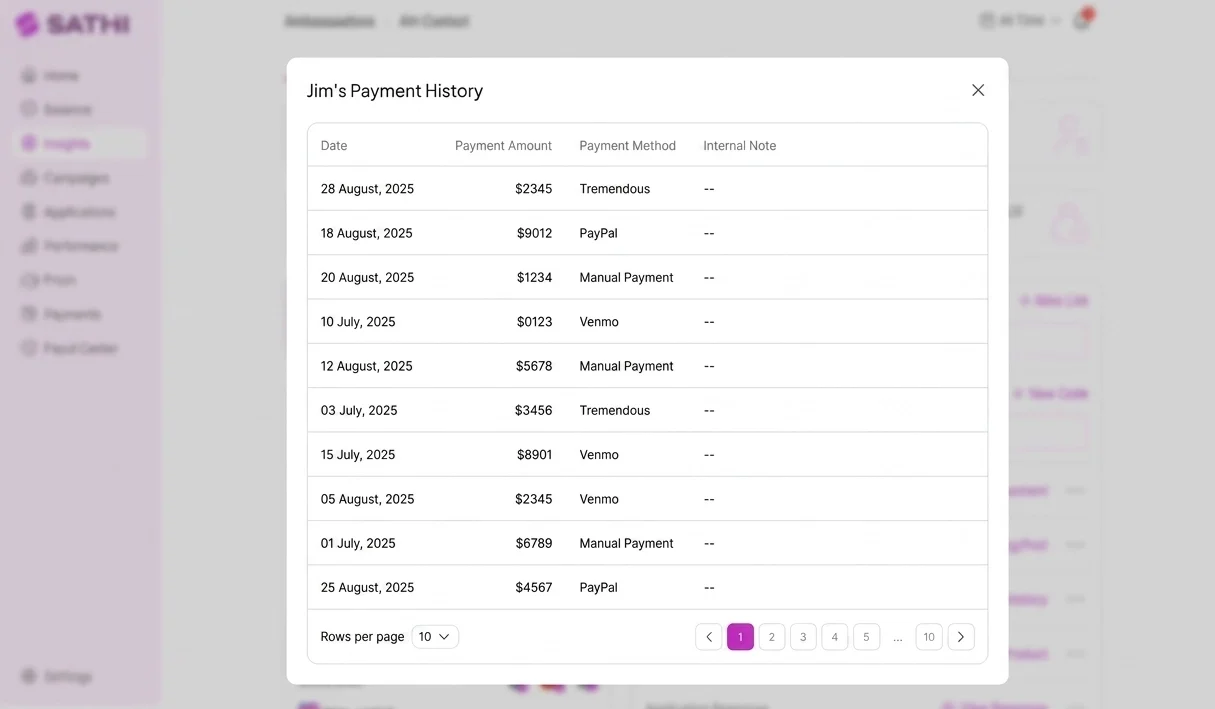
Once connected, PayPal appears as a payment option on individual commission rows on your Payments page. For each commission, you can choose to send payment via PayPal or Tremendous, depending on what makes sense for that ambassador.
A few things to keep in mind:
If an ambassador doesn't have a PayPal account, PayPal handles the error on their end. SATHI will surface a failed payment status on the commission row so you can follow up.
Your SATHI Wallet is unaffected — your Tremendous wallet balance, auto-refill settings, and funding source all stay exactly as they are. PayPal is a separate wallet you manage directly on PayPal's side.
For related setup, see the Help Center article on your SATHI Wallet and Tremendous payouts.
You can disconnect PayPal at any time from Settings → Integrations.
If you disconnect while commissions are still assigned to PayPal, those payouts will fail and you'll receive a notification. You'll need to manually retry those payments after reconnecting, or reassign them to Tremendous.
Connecting PayPal gives you a second, currency-flexible way to pay ambassadors without disrupting your existing Tremendous setup. For brands paying ambassadors outside the US, it removes the extra conversion costs of routing every payout through USD, while still letting you choose Tremendous on a per-commission basis when it's the better fit.
Still need help?
Reach out anytime to our Support team using the button at the bottom-right corner of your dashboard, or email us at [email protected].

