

Filter Insights within a Campaign
Use campaign filters to narrow down your Insights and analyze the performance of specific groups of ambassadors. This makes it easier to compare results, identify trends, and focus on the ambassadors that matter most.
Available Filters
Commission Tier
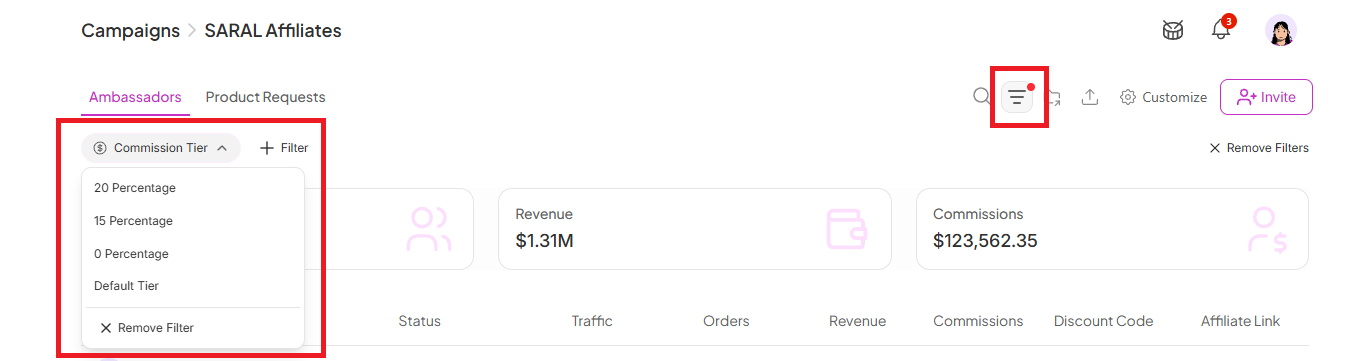
Filter ambassadors based on the commission tier they're assigned to.
This is useful if your campaign has multiple commission structures (for example, VIP, Standard, or Creator tiers) and you want to compare how each group is performing.
Team member
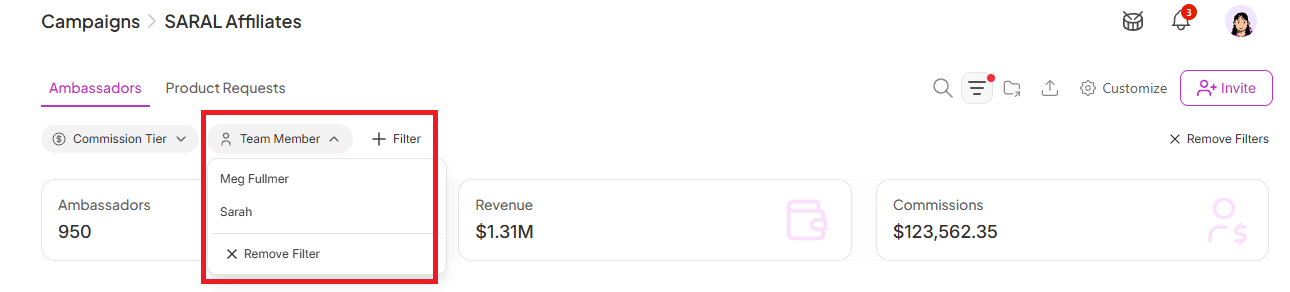
Filter ambassadors by the team member responsible for managing them.
This is especially helpful if multiple people on your team manage different groups of ambassadors, allowing you to review each manager's portfolio independently.
Status
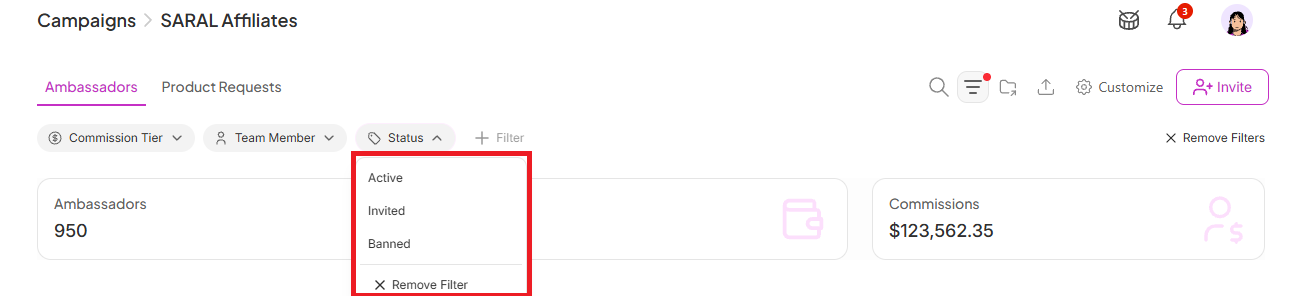
Filter ambassadors based on their current status within the campaign.
Available statuses include:
Active – Ambassadors who are currently active in the campaign.
Invited – Individuals who have been invited to join but have not yet completed onboarding or accepted their invitation.
Banned – Ambassadors who have been removed or blocked from participating in the campaign.
Why This Is Important
Filtering campaign results lets you isolate exactly the group you need to evaluate, whether that's comparing tiers, checking a specific manager's portfolio, or reviewing only active ambassadors. This makes trends easier to spot and keeps your analysis focused instead of sorting through the entire campaign at once.
Still need help?
Reach out anytime to our Support team using the button at the bottom-right corner of your dashboard, or email us at [email protected].