

Logging ambassador posts keeps all creator activity organized in one place, giving you a complete view of your ambassadors' collaborations. This makes it easier to track content, measure performance, and evaluate how actively each ambassador is promoting your brand.
How to Log a Post
As a brand, you can log a post whenever:
An influencer shares their content directly with you.
You spot their post while monitoring their social channels.
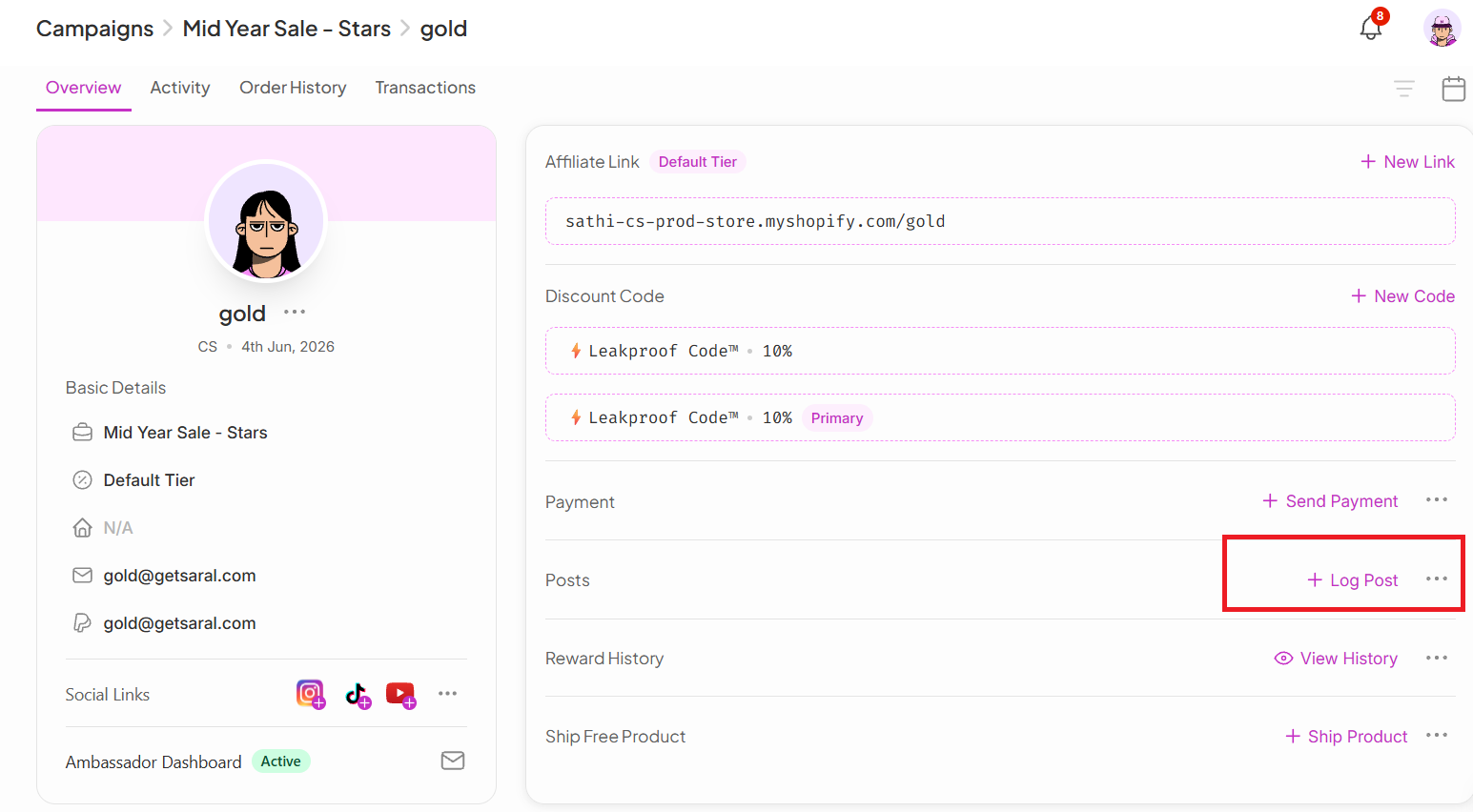
To log a post:
Go to the ambassador's profile
Click the + Log Post button
What You Can Track
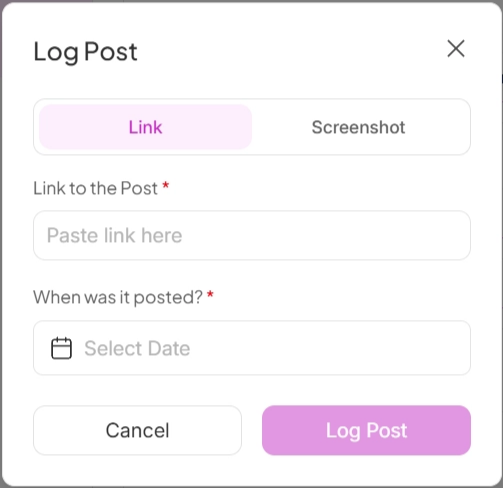
When logging a post, you can add:
Post link (Instagram, TikTok, or YouTube)
Story link (if available)
Screenshots of posts or stories (especially helpful for Instagram Stories that have expired)
Posted date to keep your timeline accurate
Paste the post link or upload a screenshot, then save your changes.

Letting Ambassadors Log Their Own Posts
Ambassadors can also log their own content directly from their personal dashboard, which keeps everything up to date with less manual work from your team.
You can share this guide with your affiliates.
Why This Is Important
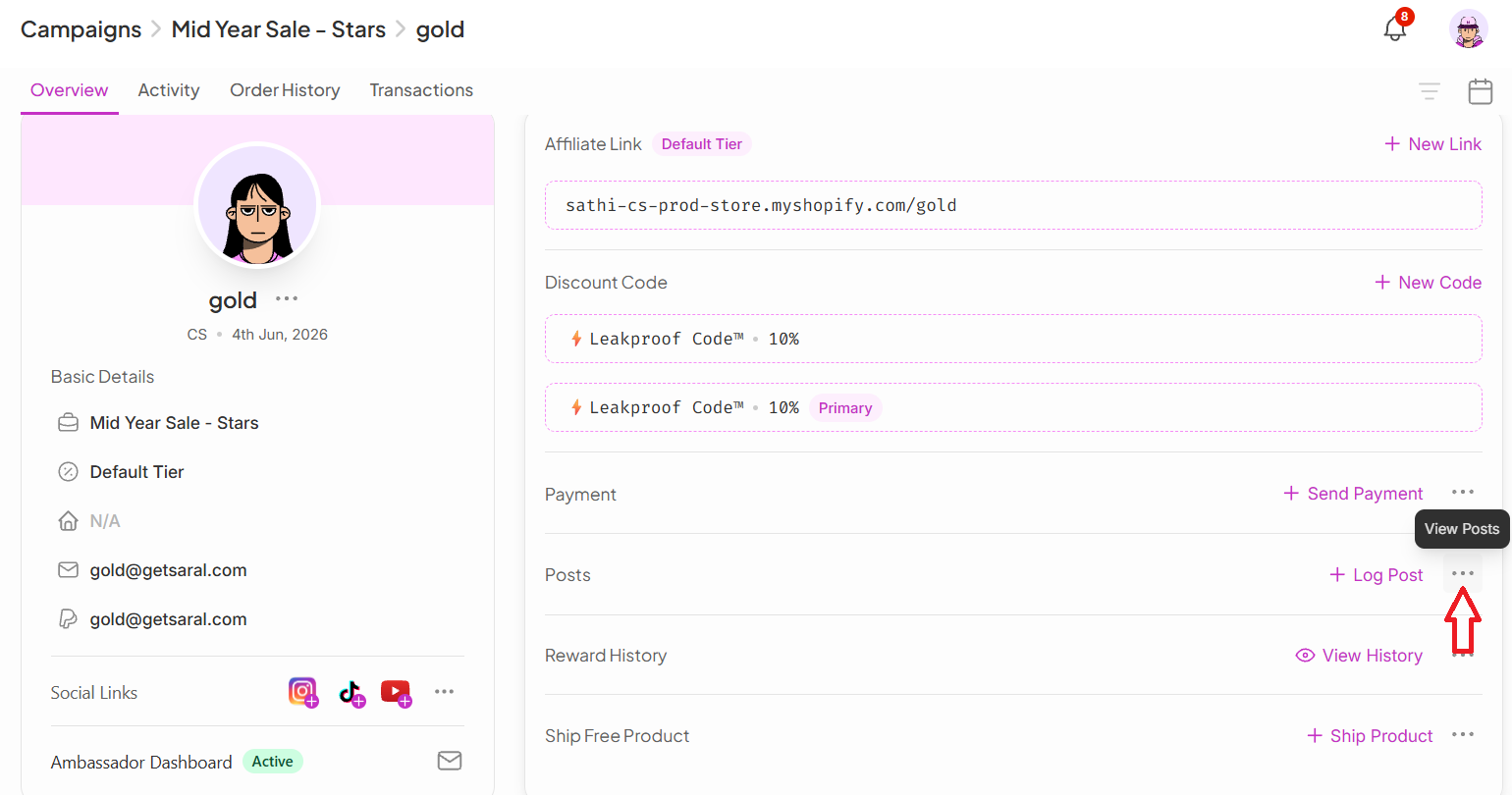
A complete post log gives you a reliable record of every collaboration, whether you or the ambassador logged it. Over time, this history makes it easier to identify your strongest content creators and make better-informed decisions for future partnerships.
Still need help?
Reach out anytime to our Support team using the button at the bottom-right corner of your dashboard, or email us at [email protected].