Sidekick is your AI assistant built into SATHI. It's a custom-trained AI that understands affiiate marketing.
You can chat with it from its own panel in your dashboard, and it performs real actions on your account, not just answers questions. This article covers the core things Sidekick can do for you today.
Sidekick lives in its own panel in your SATHI dashboard.
Click on the sidebar to start chatting with Sidekick.
Your previous conversations are saved. Open the panel to view your chat history, or start a new chat at any time.
Sidekick works like any AI chat assistant: type what you want in plain language and it responds directly in the conversation.
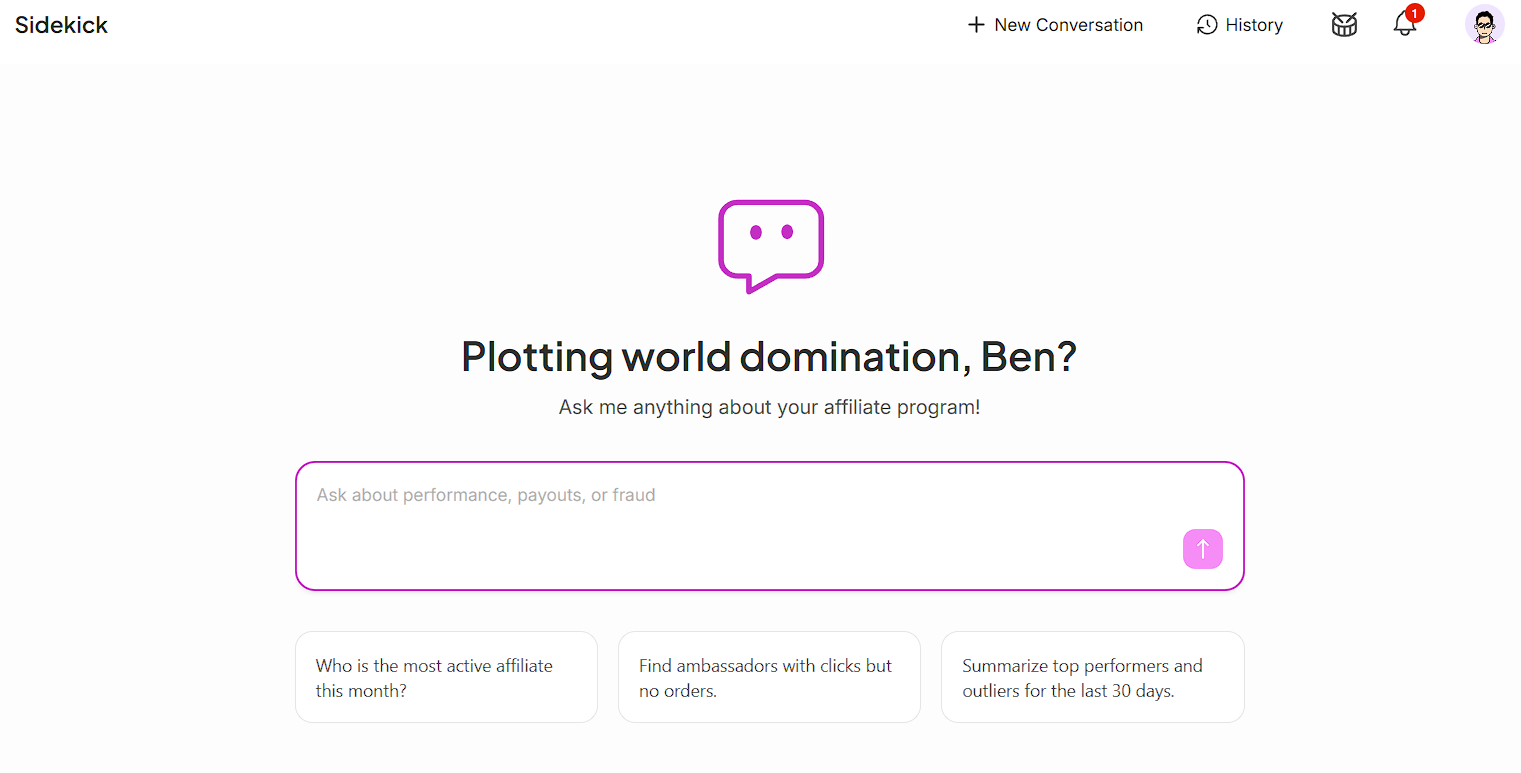
Ask Sidekick for a weekly or monthly performance report. It returns:
A revenue trend chart
A top-ambassadors-by-revenue ranking, downloadable as an Excel file
A week-so-far summary
Try typing: "Give me last month's performance report."
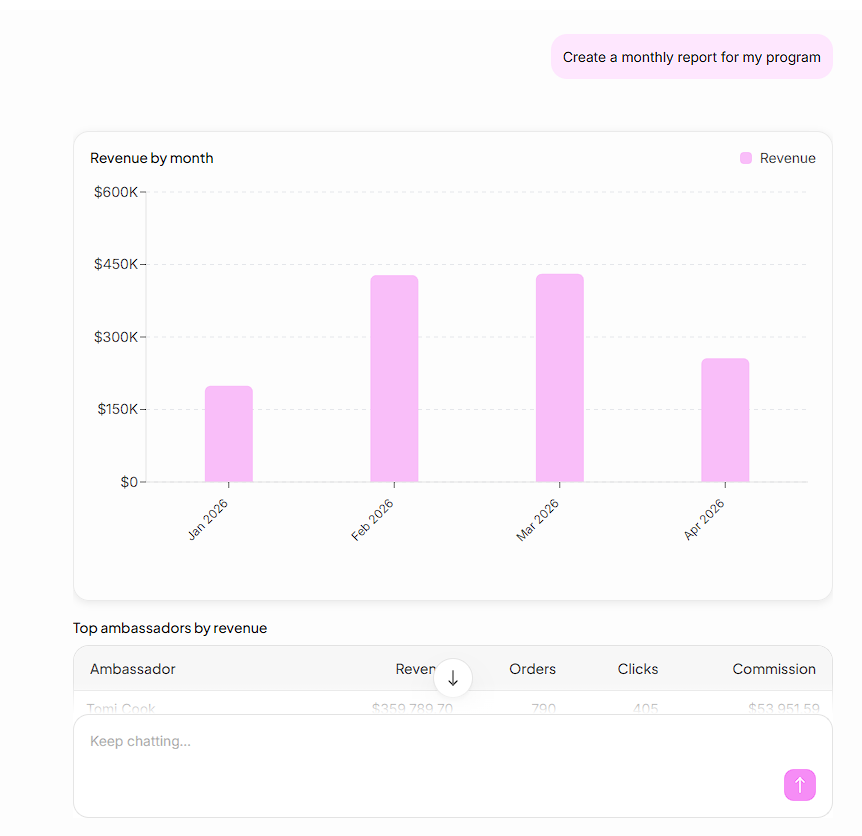
Ask Sidekick for a leaderboard of your best-performing ambassadors. It returns a ranked bar chart so you can see top performers at a glance without pulling a report.
Try typing: "Show me my top 10 ambassadors by revenue."
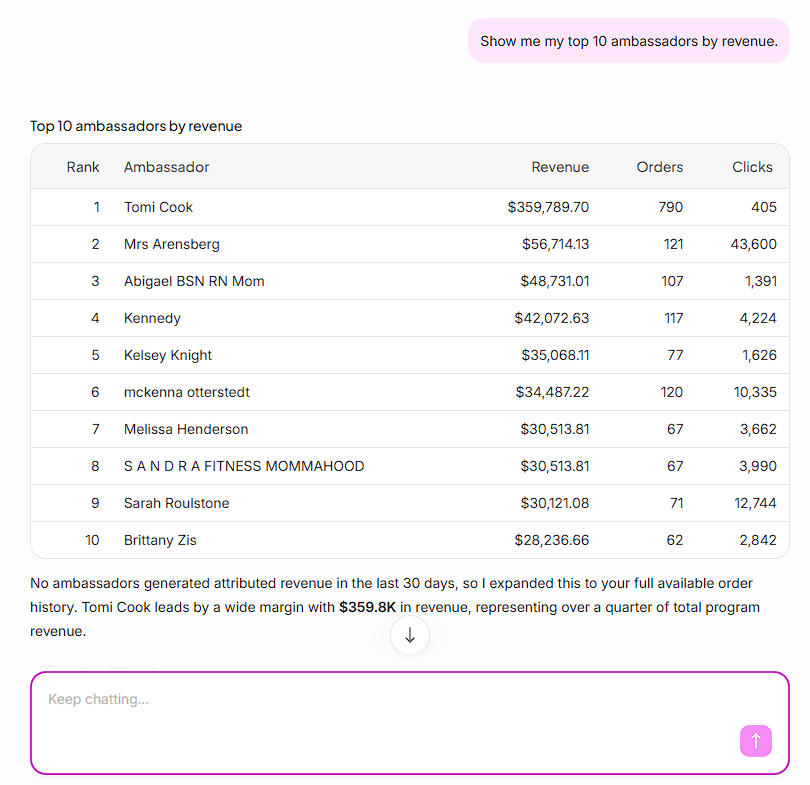
Give Sidekick a product category, a priority, and your content goals. It returns campaign concepts, each with a name, a strategy, and execution steps. You can keep refining the concept in chat until it's ready to launch.
Try typing: "Plan a campaign for our skincare line, priority is reach, goal is UGC content."

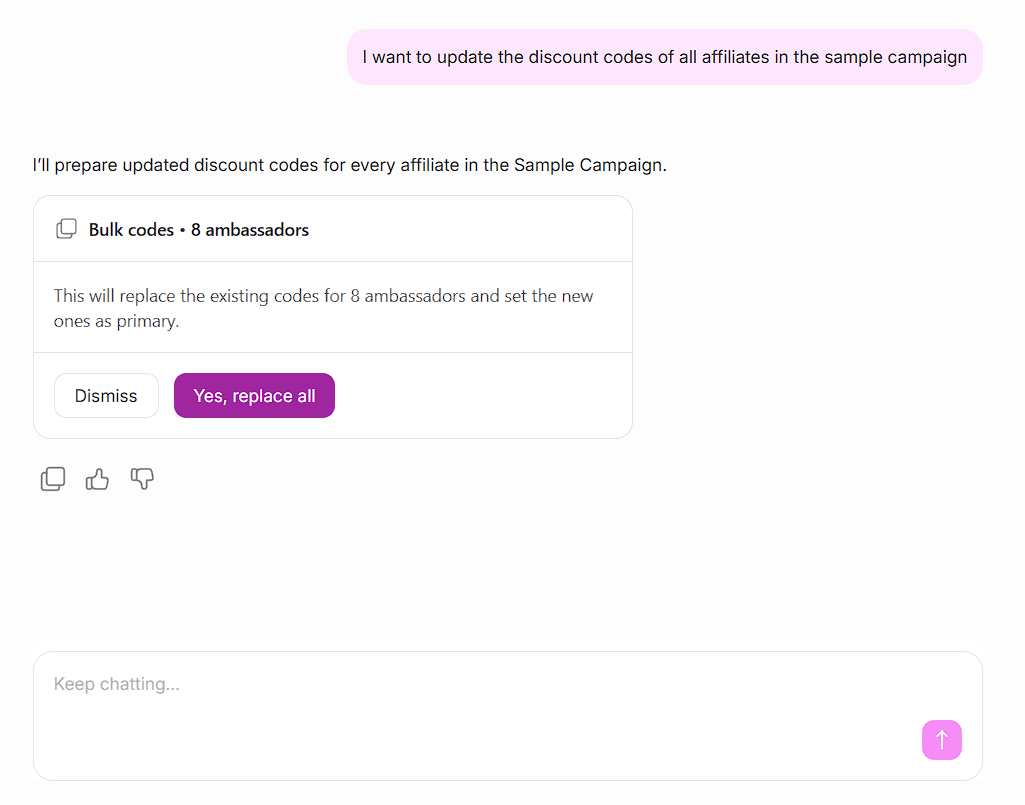
Sidekick can act on multiple ambassadors at once. Ask it to:
Move ambassadors between campaigns
Update commission tiers
Generate discount codes and tracking links
Try typing: "Move all ambassadors in the Summer Launch campaign to the Fall Launch campaign."

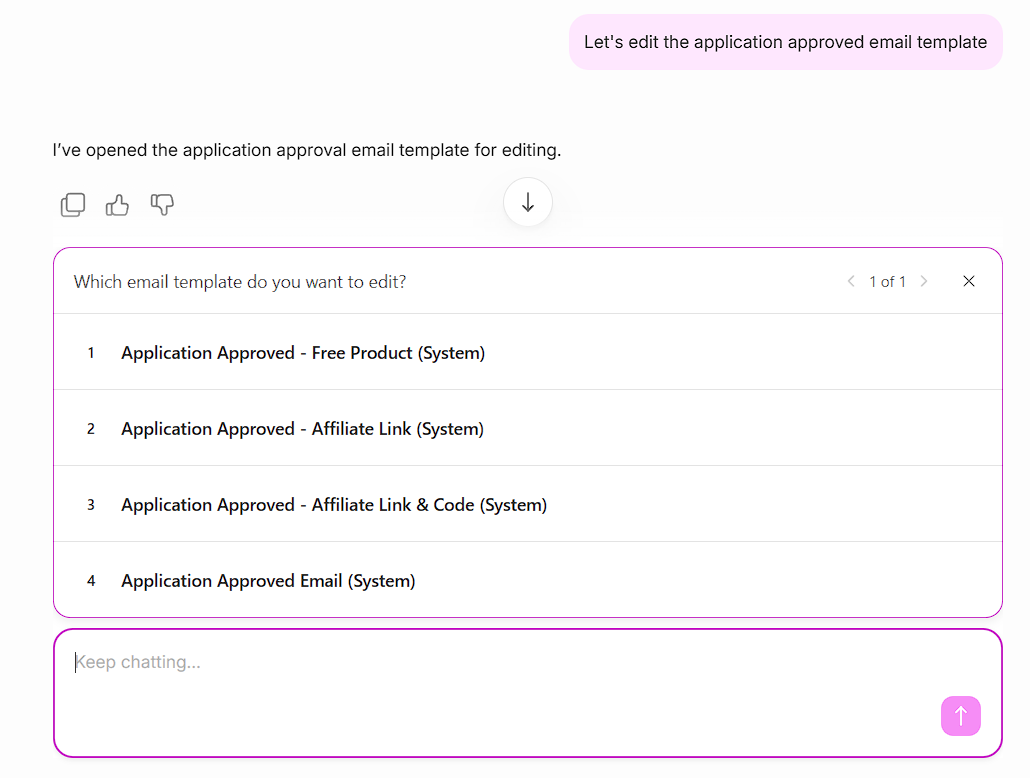
Ask Sidekick to open an existing template, such as "Application Approved." You can edit the content directly in chat, then send it to a single ambassador or in bulk.
Try typing: "Open the Application Approved template and change the tone to more casual."
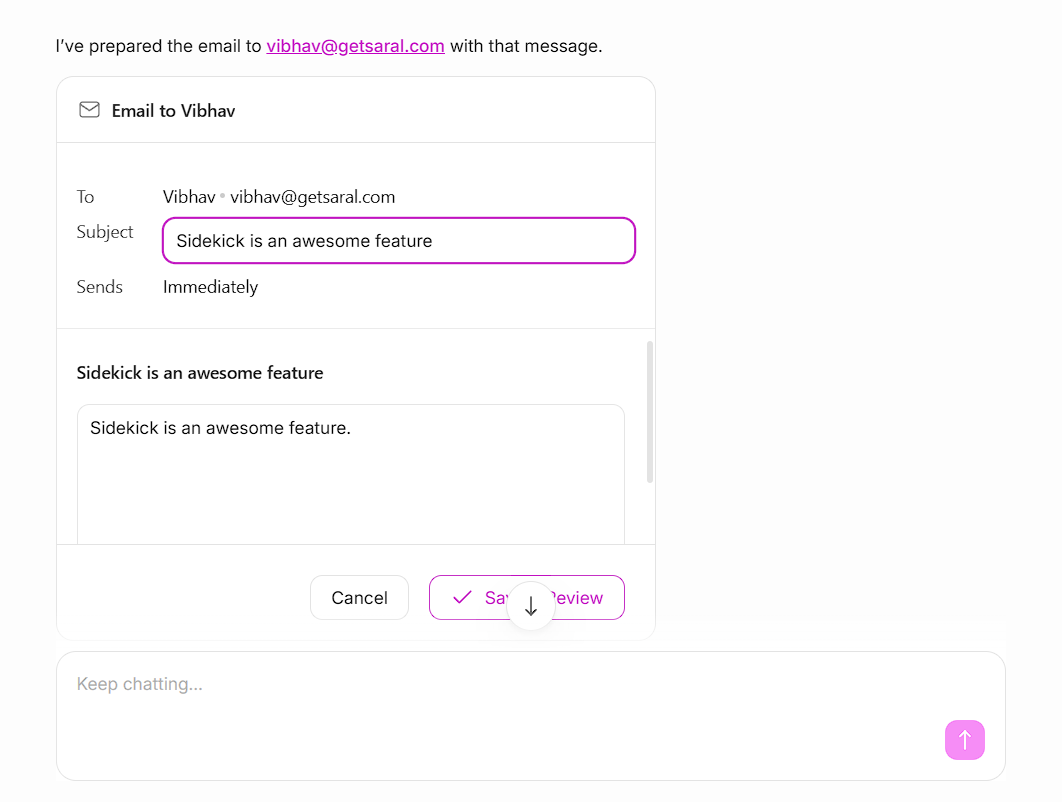
Sidekick can also compose a custom email from scratch. Review and edit it in chat, then send it to one ambassador or many.
Try typing: "Write an email announcing our new commission tier and send it to all ambassadors in the Gold tier."
The capabilities above are what Sidekick handles most often, but they're not the whole picture. Sidekick is built to understand a wide range of requests across your SATHI account, so if there's something you're trying to do, it's worth asking Sidekick directly!
Sidekick turns tasks that used to take multiple steps across different screens, pulling a report, building a leaderboard, drafting a campaign, sending emails and bulk updating discount codes into a single chat conversation. You describe what you need and Sidekick does it, so you spend less time navigating the dashboard and more time acting on what it gives you.
Still need help?
Reach out anytime to our Support team using the button at the bottom-right corner of your dashboard, or email us at [email protected].

