Sherlock scans your Shopify order history for known creators who have already purchased from your store. Because these are people already using and paying for your product, they're a strong starting list for ambassador outreach. You can run a scan, review the results, and email or invite creators directly, all from SATHI.
Start by clicking Surface Creators From Orders in the SATHI sidebar.
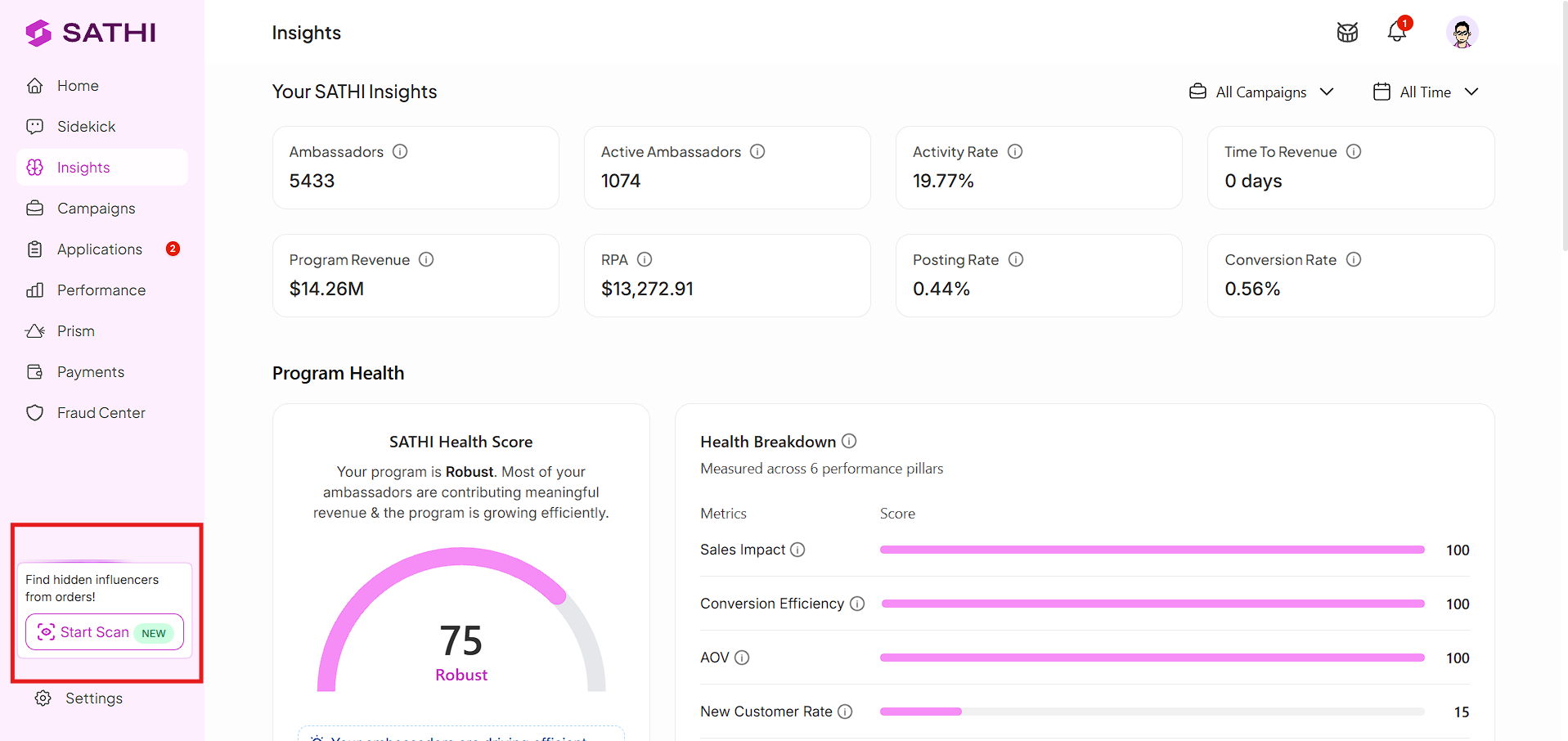
SATHI checks how many Shopify orders have come in since your last scan before letting you run a new one.
A new scan only becomes available once at least 1,000 new orders have been placed since the previous scan.

Every scan you run is logged in the History tab. From there, you can see every creator SATHI has found buying from your store, across all past scans.
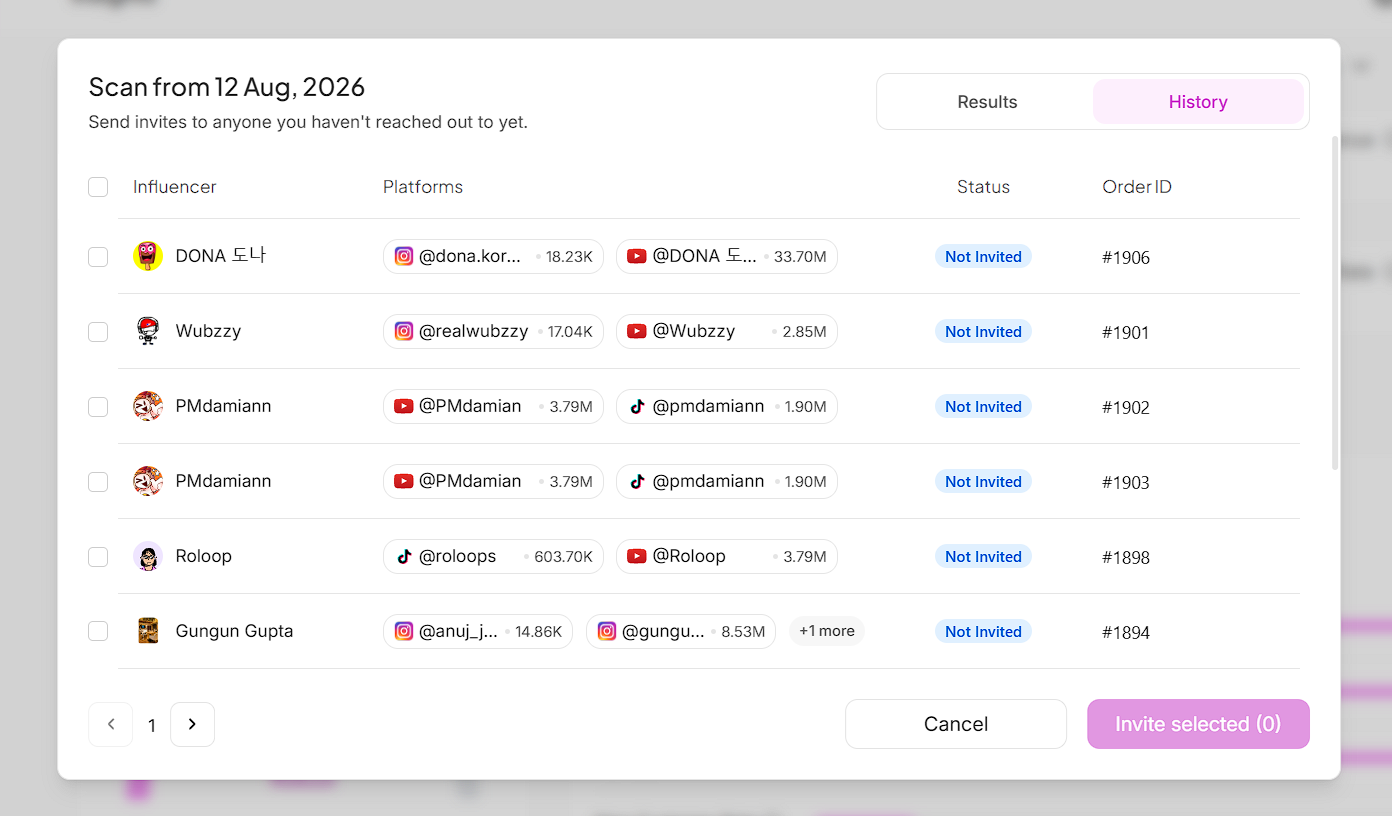
Sherlock filters out emails belonging to PR and talent agencies. This feature is built to highlight individual creators, not the agencies that represent them, so agency addresses never appear in your results.
Select a creator from your results to open the outreach modal. From there, you can:
Email them through Klaviyo, using your own ambassador flow — see our guide on setting up your Klaviyo ambassador flow.
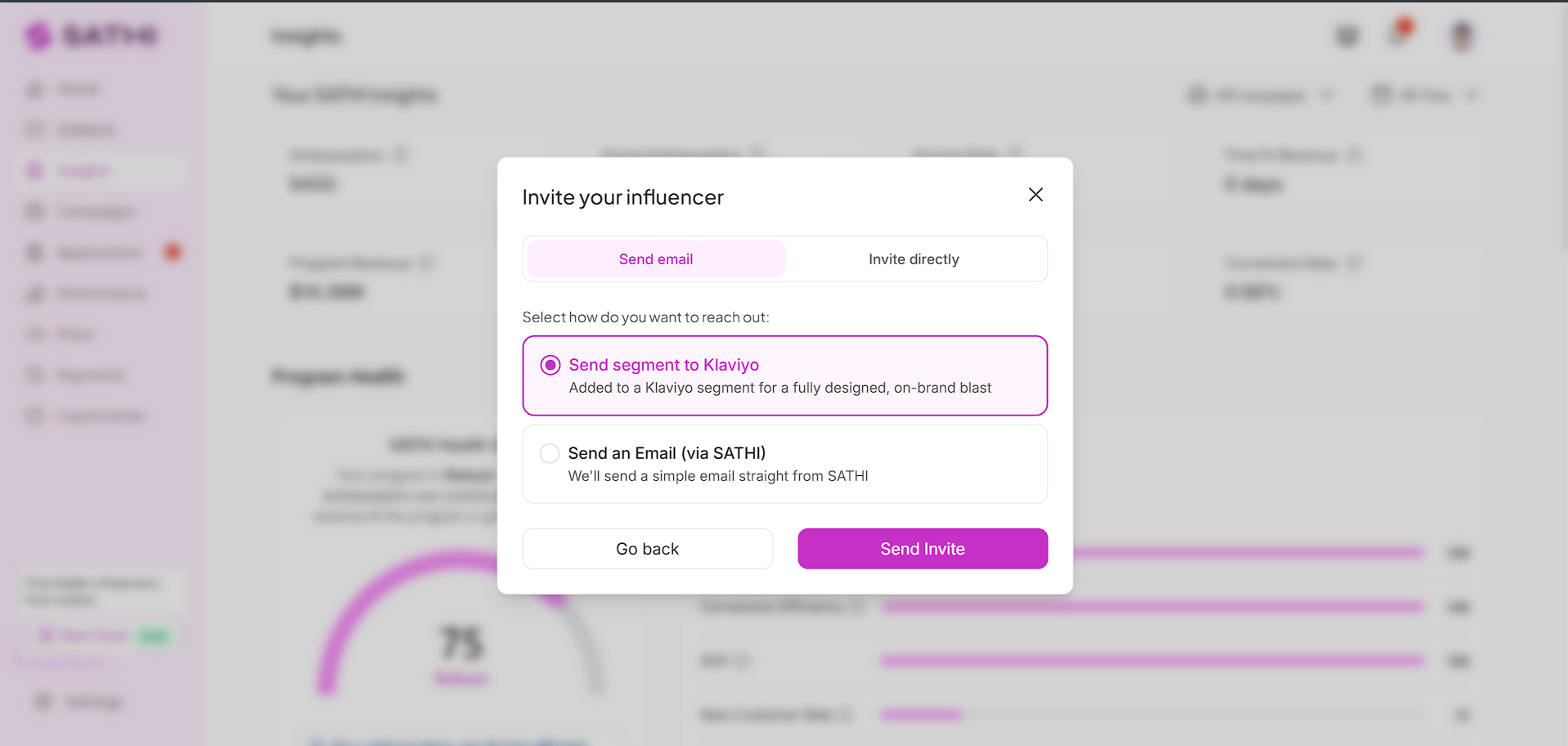
Email them through SATHI, using a built-in template — see our guide on customizing SATHI's email templates.
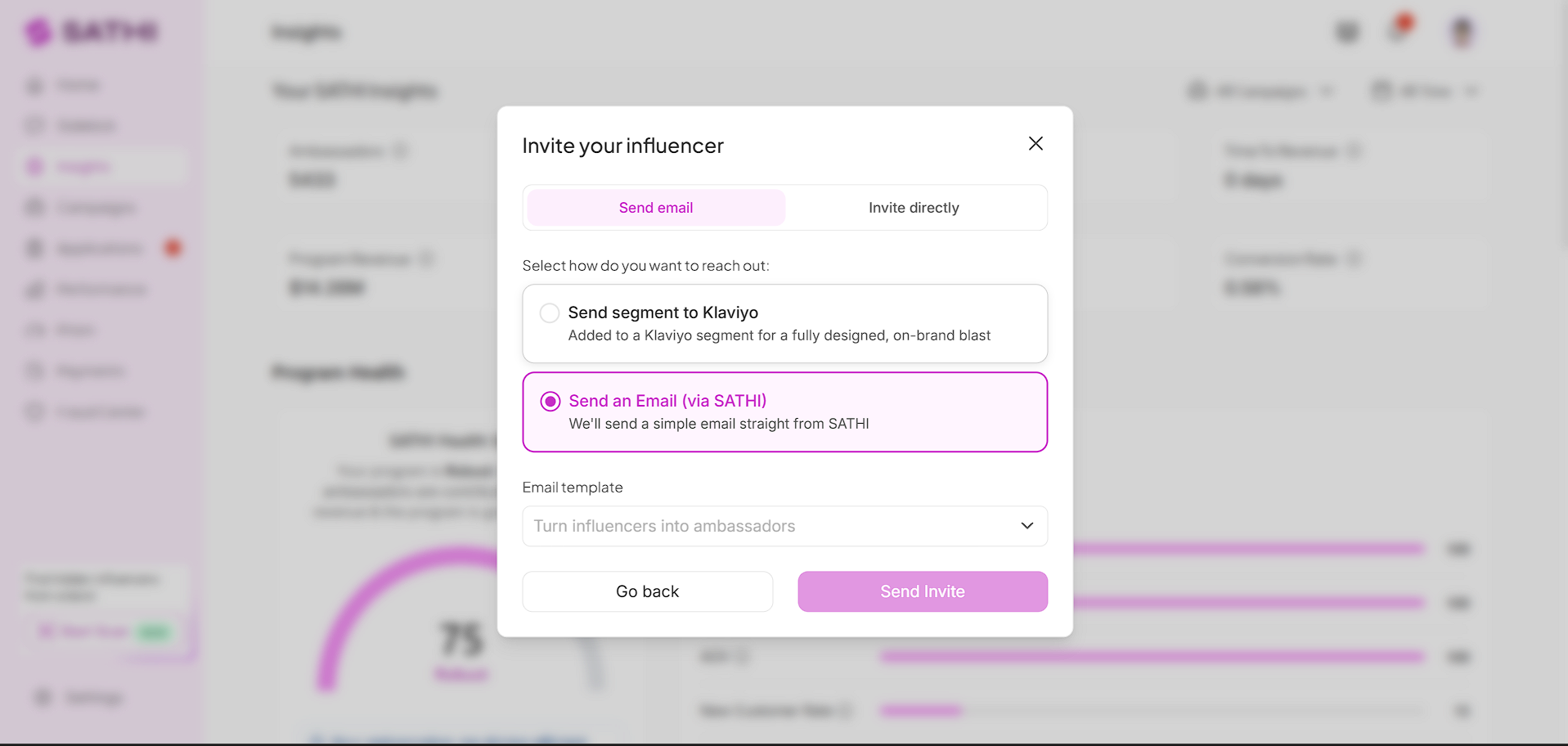
Invite them directly to a campaign.
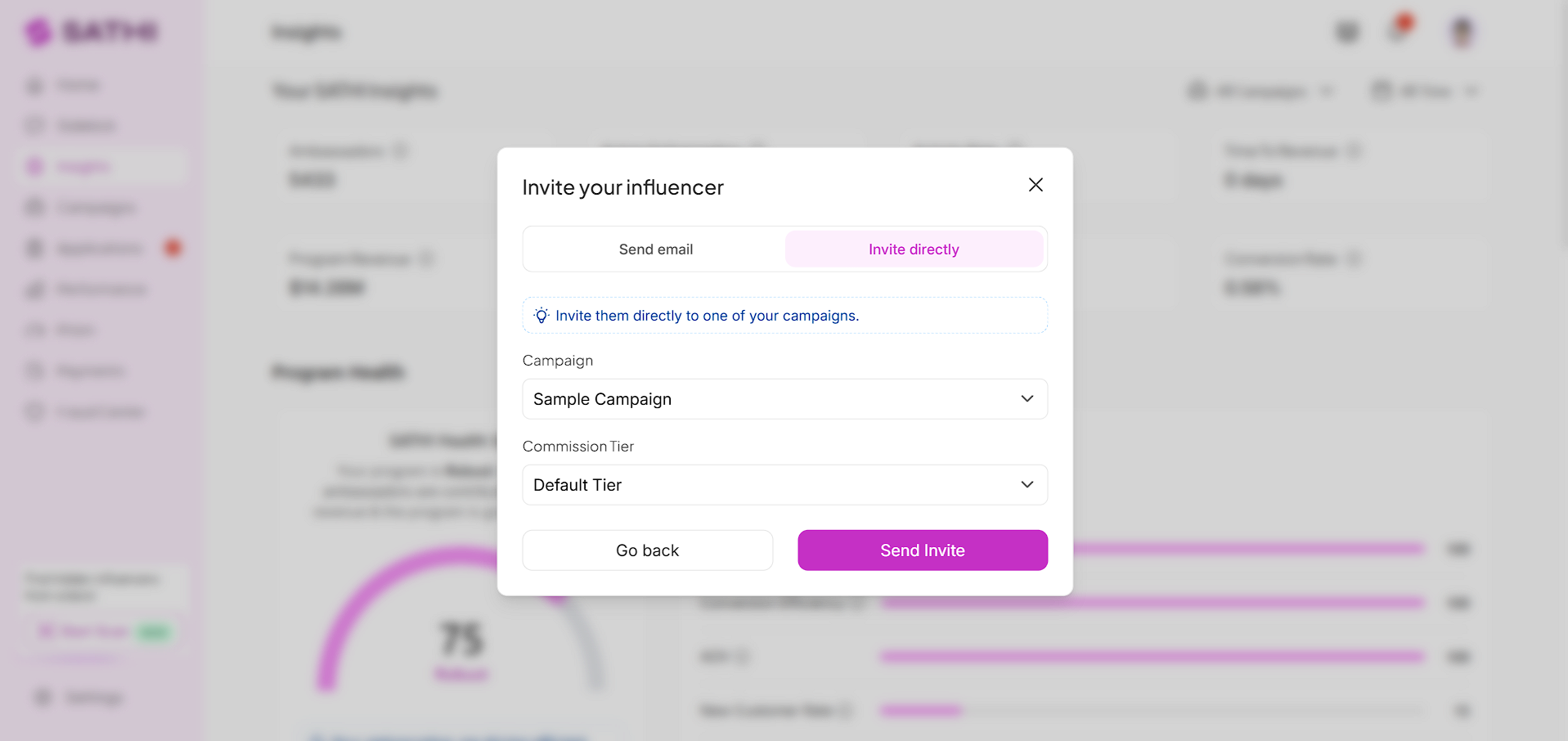
All three options are available from the same modal, so you don't need to leave the page to choose between them.
Most creator discovery tools search social platforms for people who might be a fit. Via this feature, your discovery starts from confirmed customers instead - people who've already bought your product and could plausibly promote it. That removes the guesswork around brand fit and gives brands a warm list to start ambassador conversations from, instead of a cold one.
Still need help?
Reach out anytime to our Support team using the button at the bottom-right corner of your dashboard, or email us at [email protected].