

Match suggests a first set of creators when you connect your store. To search for unlimited creators, connect your Meta account. Meta requires your brand to meet eligibility requirements first, then SATHI enables the connection.
Before You Start
Your brand must be eligible to use Meta's Creator Marketing Hub. Your brand's Instagram account must also be a Professional account, or be connected to a Facebook Page.
Check Meta's eligibility requirements for Creator Marketing Hub before you continue.

Onboard to Creator Marketing Hub
Go to Meta Business Suite and select Get Started.
If this is your first time using Creator Marketing Hub, review Meta's terms and select Agree.
You now have access to Creator Marketing Hub.
Connect Meta in SATHI
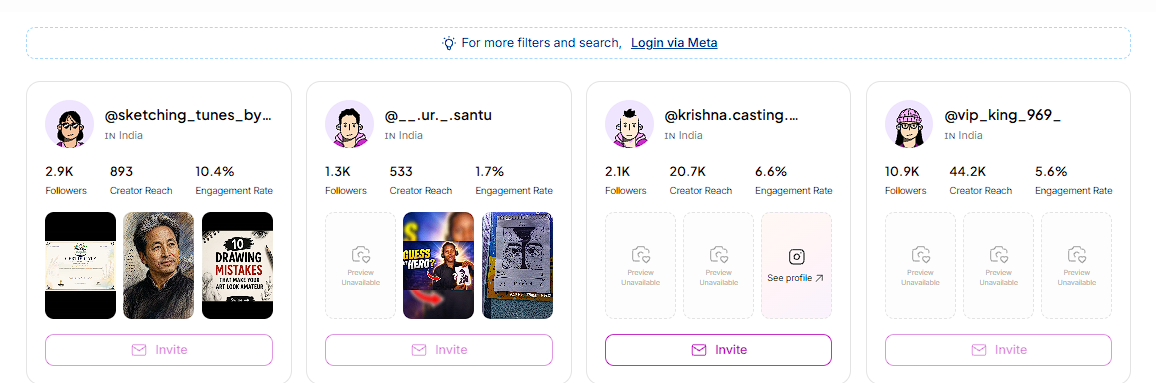
You will see a banner at the top of Match once our AI has surfaced the initial list of creators.
Click on the link and continue to perform next steps!
Confirm the Connection
Once enablement is complete, return to Match. You can now search for creators without a limit and apply filters across the full set.
Still need help?
Reach out anytime to our Support team using the button at the bottom-right corner of your dashboard, or email us at [email protected].