Connecting Klaviyo to SATHI lets you send automated emails to your ambassadors, including onboarding flows, activation nudges, and commission updates, triggered by real ambassador activity in SATHI. Once connected, SATHI keeps your Klaviyo account updated automatically as ambassador data changes.
Go to Settings, then Integrations. Find Klaviyo and click Connect.
In Klaviyo:
Go to Settings (bottom-left menu)
Find the API Keys section and click Create Private API Key
Name the key SATHI and select Full Access Key as the scope
Click Create and copy the API key

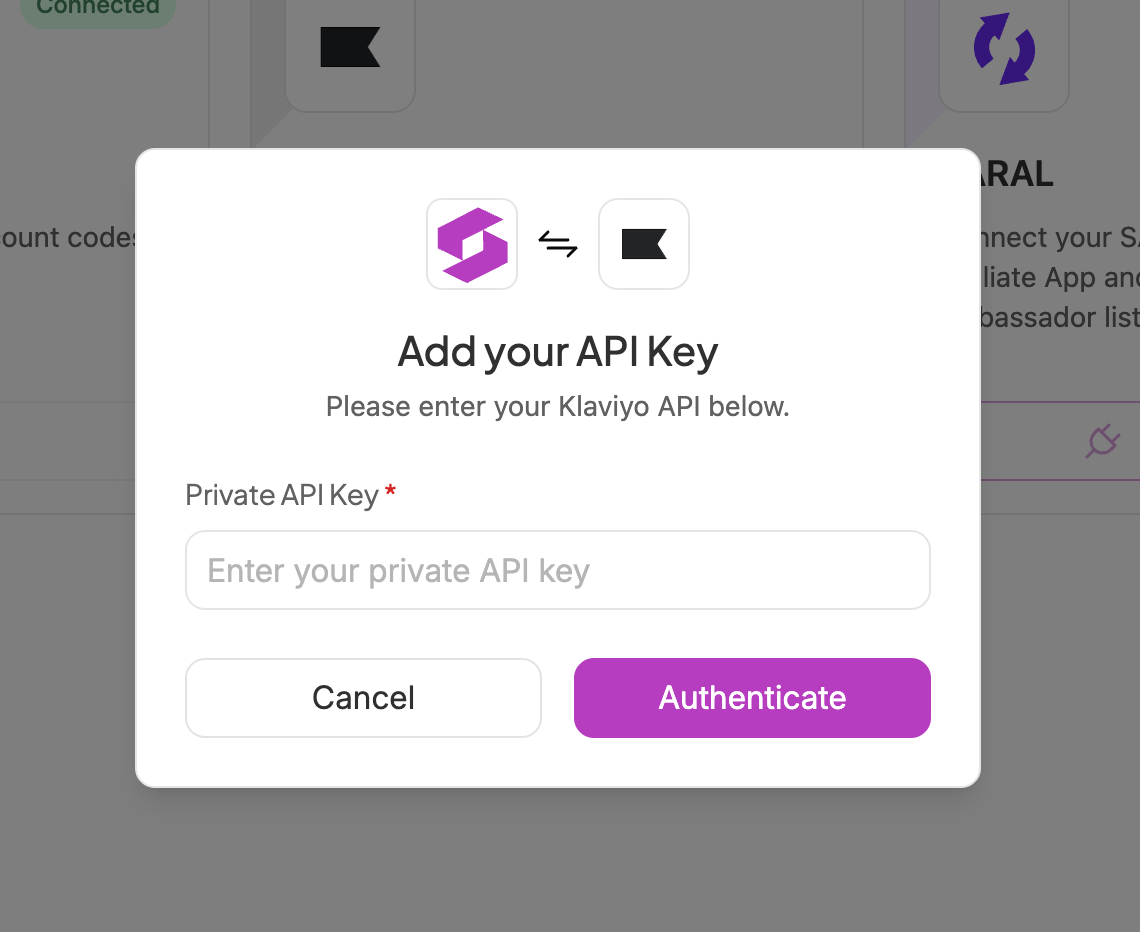
Return to SATHI, click Continue, paste your API key into the field, and click Authenticate to complete the connection.
Once connected, SATHI syncs all current ambassadors to Klaviyo immediately.
Once connected, SATHI keeps Klaviyo updated automatically across three categories:
Ambassador profile — synced when an ambassador is added:
First Name
Last Name
Social Username
Platform
Profile Link
Onboarding Date
Followers
Address (street, city, state, country, zip)
Referral and commission data — synced when created or updated:
Discount Code
Commission Percentage
Referral Link
Activity — synced as events happen:
Posts
Campaign Specific Details (Name/ID)
Gamified Rewards
Inner Circle Membership (If Applicable)
Payment Sent
Total Payments Made
Last Payment Date
Last Payment Amount
See the Help Center articles on creating an ambassador application form and getting started with SATHI for next steps.
Connecting Klaviyo removes the manual work of exporting ambassador lists or building email flows outside SATHI. Because activity and profile updates sync automatically, your Klaviyo flows always reflect real-time ambassador behavior, so onboarding emails, activation nudges, and commission updates trigger without any extra setup after the initial connection.
Still need help?
Reach out anytime to our Support team using the button at the bottom-right corner of your dashboard, or email us at [email protected].