Your personal dashboard is designed to be simple, clean, and easy to use from day one, so you can clearly track your impact and succeed in the program. As an ambassador, your dashboard is your central workspace where everything related to your partnership comes together.
At its core, your dashboard gives you real-time visibility into:
Your ambassador link
Your discount code
Number of visitors to your link
Number of orders you've generated
Posts you've logged
Brand resources (guidelines, assets, and inspiration)
Lifetime earnings and upcoming earnings
Your profile details (social media, email, shipping address, etc.)
Product requests
This is your main dashboard, where everything comes together at a glance. Here you'll see your Affiliate links, your discount code, visitor count, orders generated, upcoming earnings, and the number of posts you've logged.
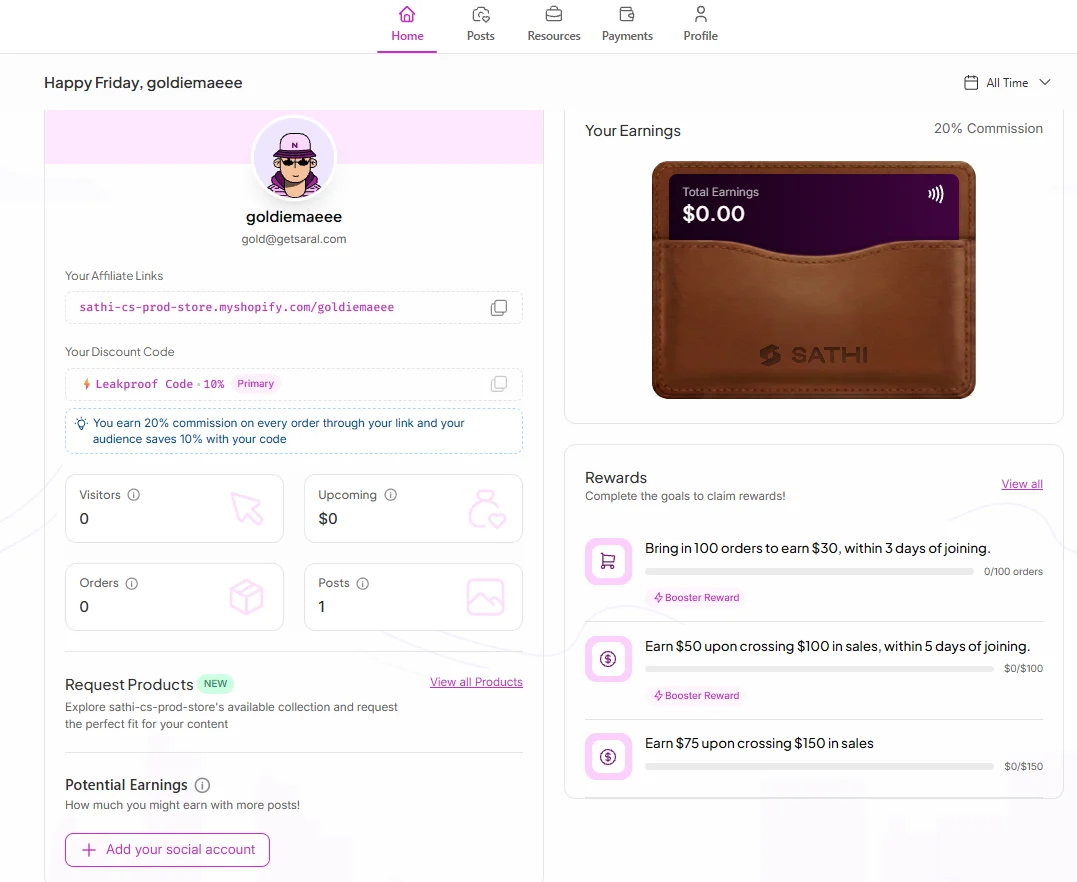
Request Products — Request products directly through your dashboard instead of messaging the brand. This makes it easier to get the products you need to create content.
Potential Earnings — See an estimate of how much you could earn based on the number of posts you create. A post can be any type of content, such as a Story, Reel, or Short.
Earnings Wallet — See your total earnings with the brand in one place. If the brand offers a rewards program, you’ll also see your progress toward available rewards here.
Rewards
If the brand adds you to a Rewards program, you’ll see your progress directly on your dashboard.
The Posts section is where you can keep track of the content you've created for the brand.
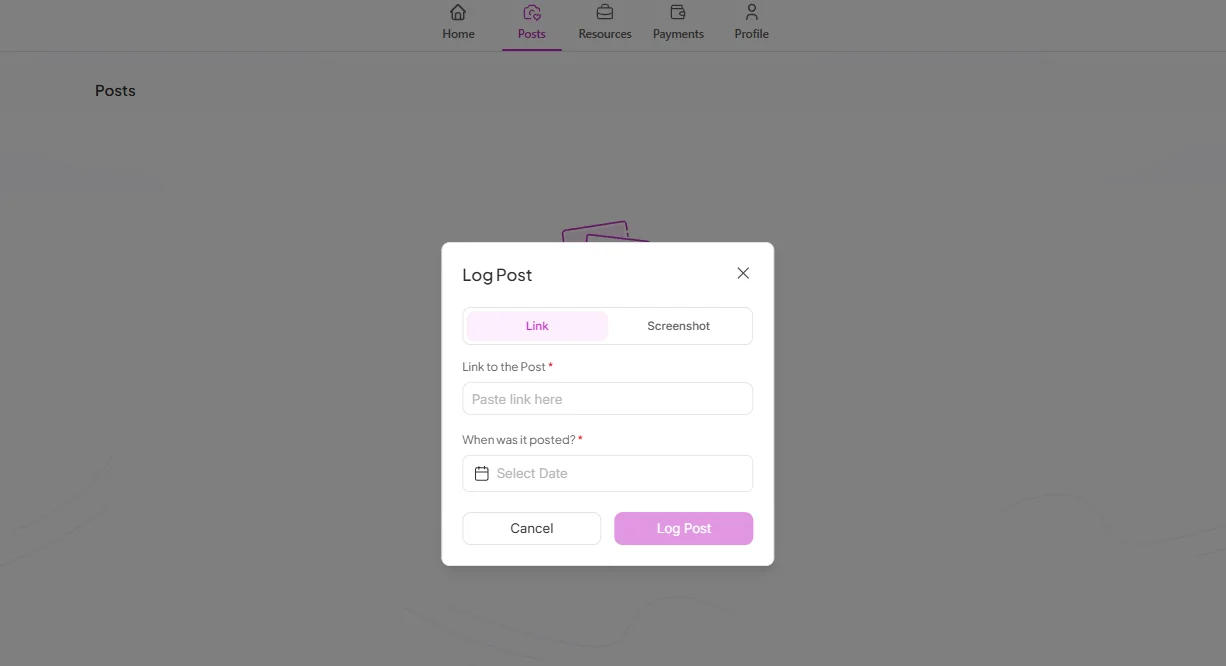
Log all your content here by adding a link or uploading a screenshot, a quick way to keep track of everything you've posted.
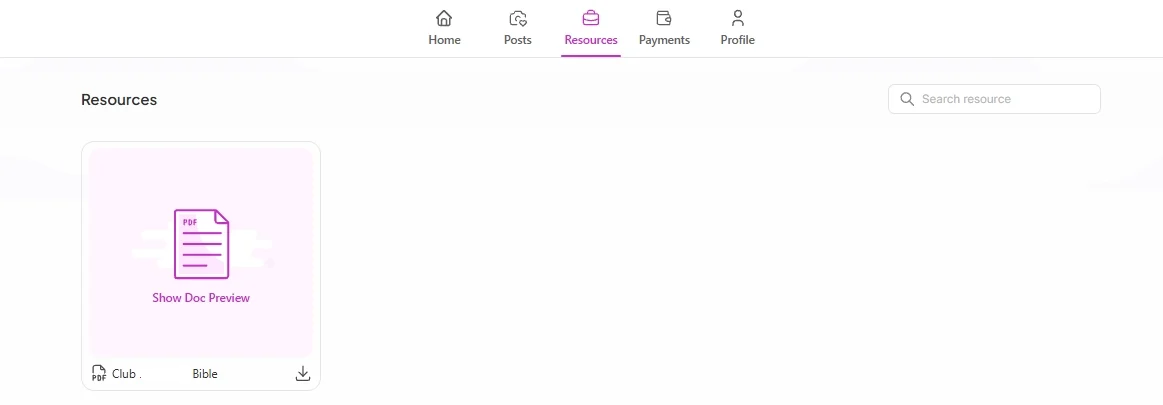
Resources is your creative toolkit.
Here you'll find materials shared by the brand, such as:
Brand guidelines
Content inspiration
Creative assets
Other helpful resources
It's your go-to place whenever you need guidance, inspiration, or assets to create content.
The Payments section is where you can track your commissions and see what you've earned from the brand.
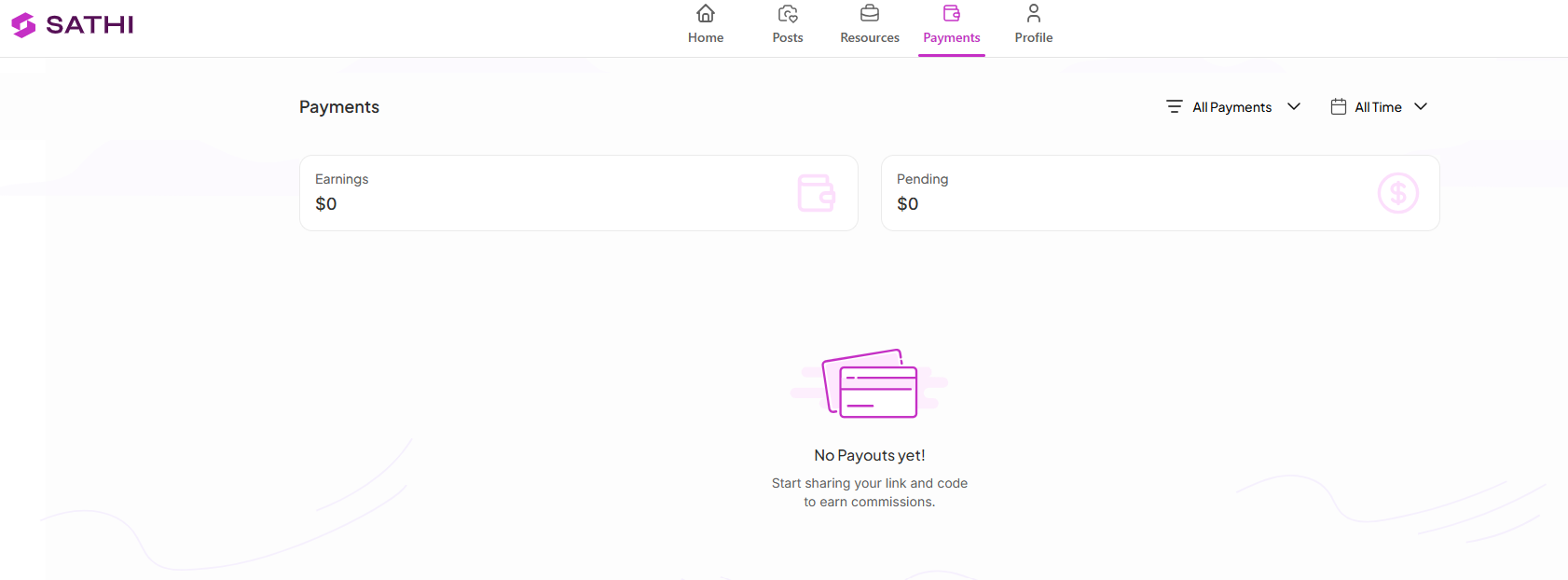
You'll see:
Pending: Commissions the brand currently owes you
Paid: Commissions already sent and received via Tremendous
Earnings: Your total earnings (Pending + Paid combined), giving you a full view of your lifetime earnings with the brand
A “New Sale” email is sent whenever an order is successfully attributed to you.
However, you may not see the commission in Pending Commissions in your dashboard right away if the order is still within the Return Window set by the brand.

Pending tab only shows commissions that are ready to be paid. A commission will appear there once the Return Window has passed and the commission becomes Payable.
So, if you received a New Sale email but don't see the commission in Pending yet, there's no need to worry — the commission may simply still be within the brand's Return Window.
You don't need to add or store payment information in your SATHI dashboard. Payouts are processed through Tremendous, where you can choose from the payment methods available to you when you redeem your payout.
The Profile section is where you can update your personal information, including:
Name
Social media accounts
Email address
Shipping address
Phone number
Keeping your information up to date helps brands contact you and ensures gifts and other deliveries reach you without issues.
Your dashboard isn't just for tracking your own activity. It also helps brands and program managers manage your partnership.
Brands may use it to:
Monitor your performance
Review your posts
Share or update promotional resources
Track commissions and payments
Manage your ambassador information
Your dashboard brings everything related to your partnership together in one place. From your ambassador link and content to your earnings and profile information.
Keeping your information and content up to date helps you stay on top of your partnership and ensures brands can reach you, send products, and process payments without unnecessary delays.
Still need help?
Reach out anytime to our Support team using the button at the bottom-right corner of your dashboard, or email us at [email protected].

